

Home
How to start (Overwolf edition)
Note: these steps are for the Overwolf edition. Using the Electron edition instead? See the Electron how-to-use page. Please refer to the instructions on how to use Auto Mute Music to start using it!
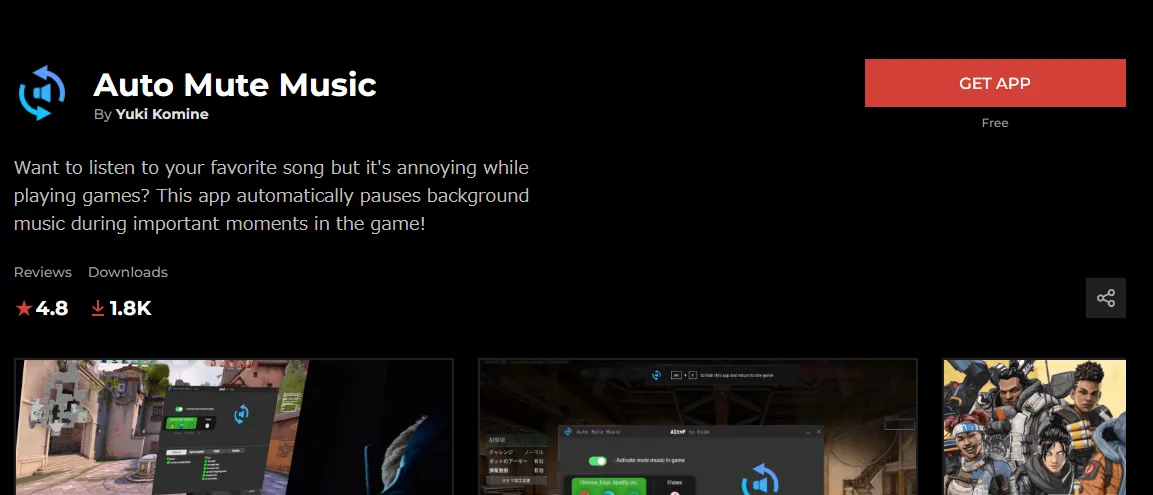
1.Head to the AMM store page and download the installer.
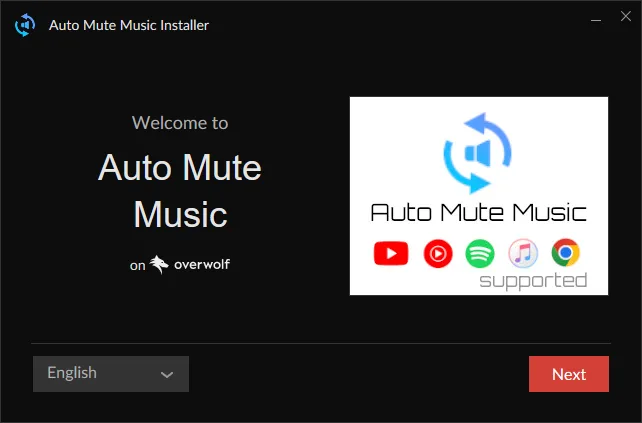
2.Launch the EXE file you downloaded and follow the installer.
3.Now just launch the game as usual. AMM will start automatically.
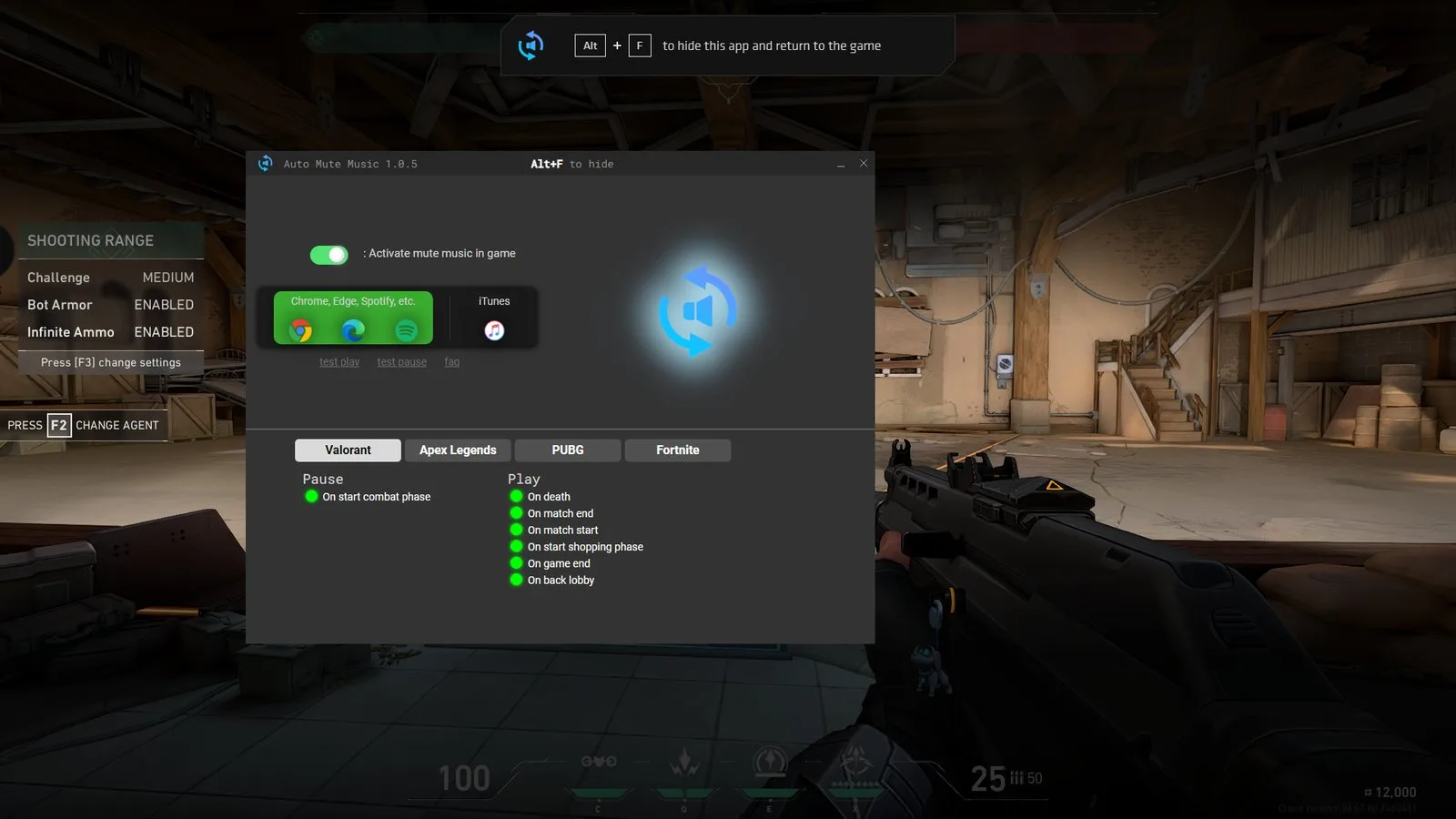
See How to use for Auto Mute Music screens.